
Quiksilver Mobile App Redesign

ROLE
Project
First solo UI/UX redesign of the Quiksilver app, focused on improving usability and visual consistency through a refined color, type, and spacing system while preserving familiar user flows.
Heuristic Analysis
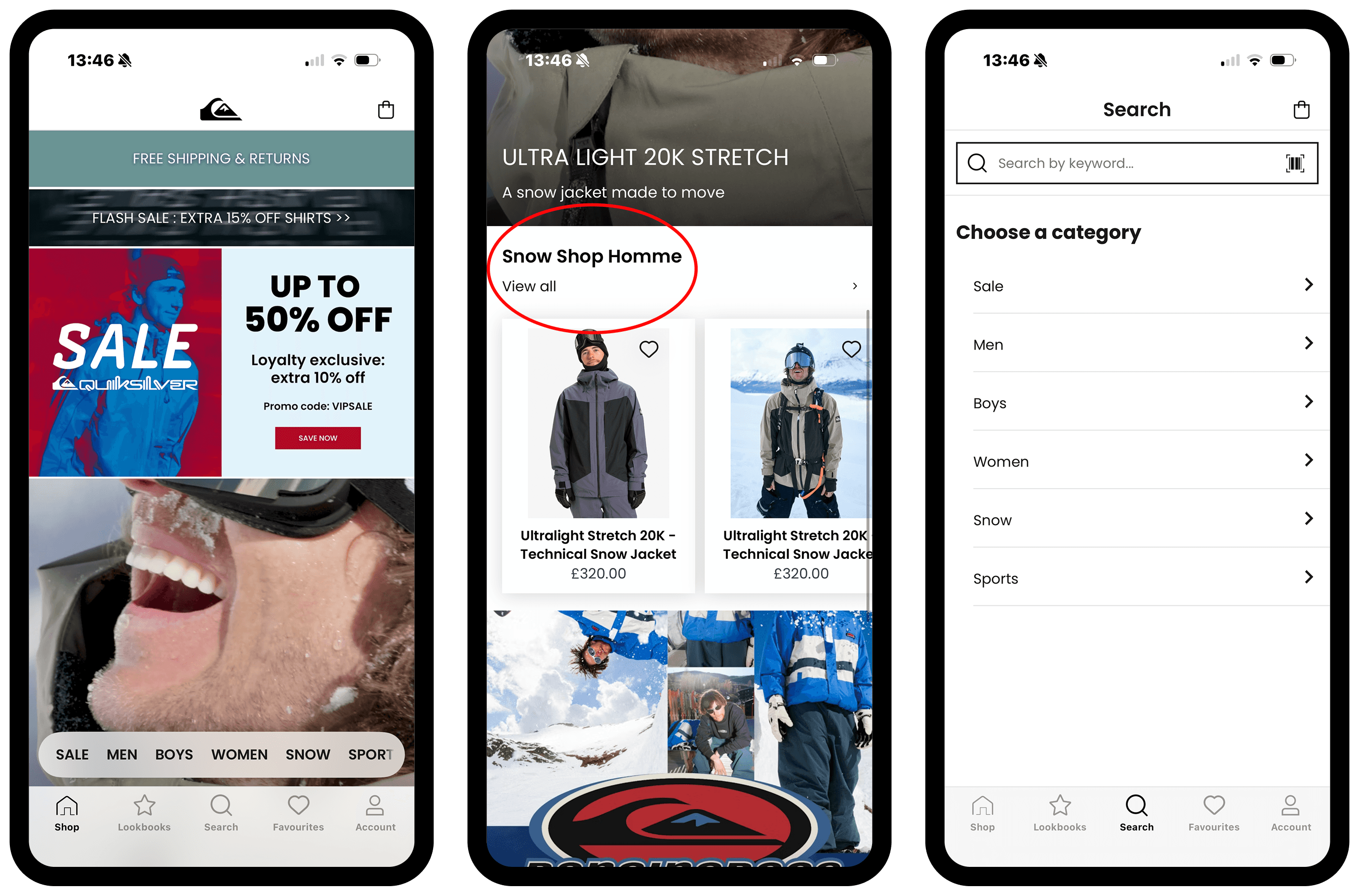
Reviewed the original Quiksilver app to identify usability strengths and gaps.
Strengths:
Clear navigation, strong product imagery, familiar icons, and visible CTAs support intuitive browsing.
Issues:
Mixed English/French category labels, missing back navigation, and inconsistent spacing and hierarchy.
Impact: Defined the key usability problems to address in the redesign.
Planning Stage: Layout and Spacing
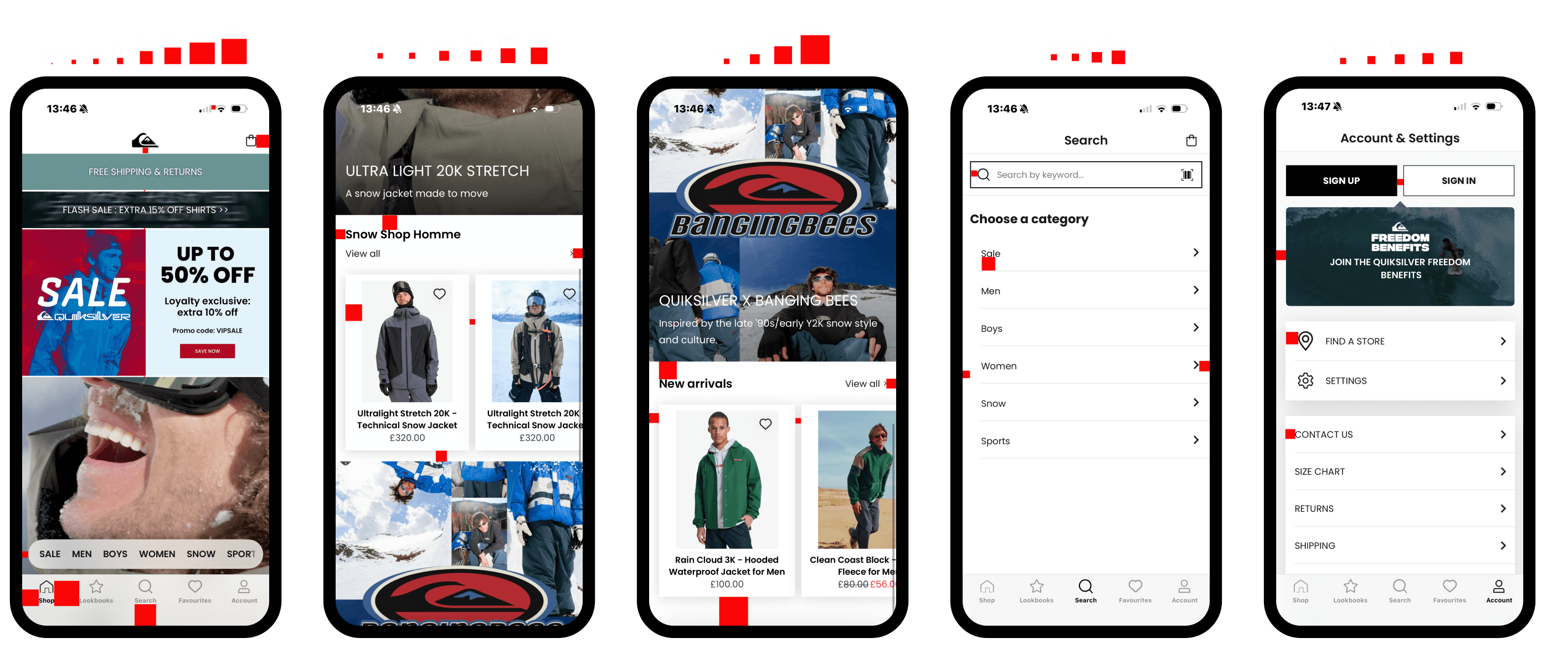
After the heuristic analysis, I moved into a planning stage to better understand the structure of the original UI before making changes.
I focused on spacing between elements, alignment and grid consistency, and layout patterns used across screens. This step helped me understand the existing system and identify inconsistencies before redesigning.
Cloning Five Key Screens
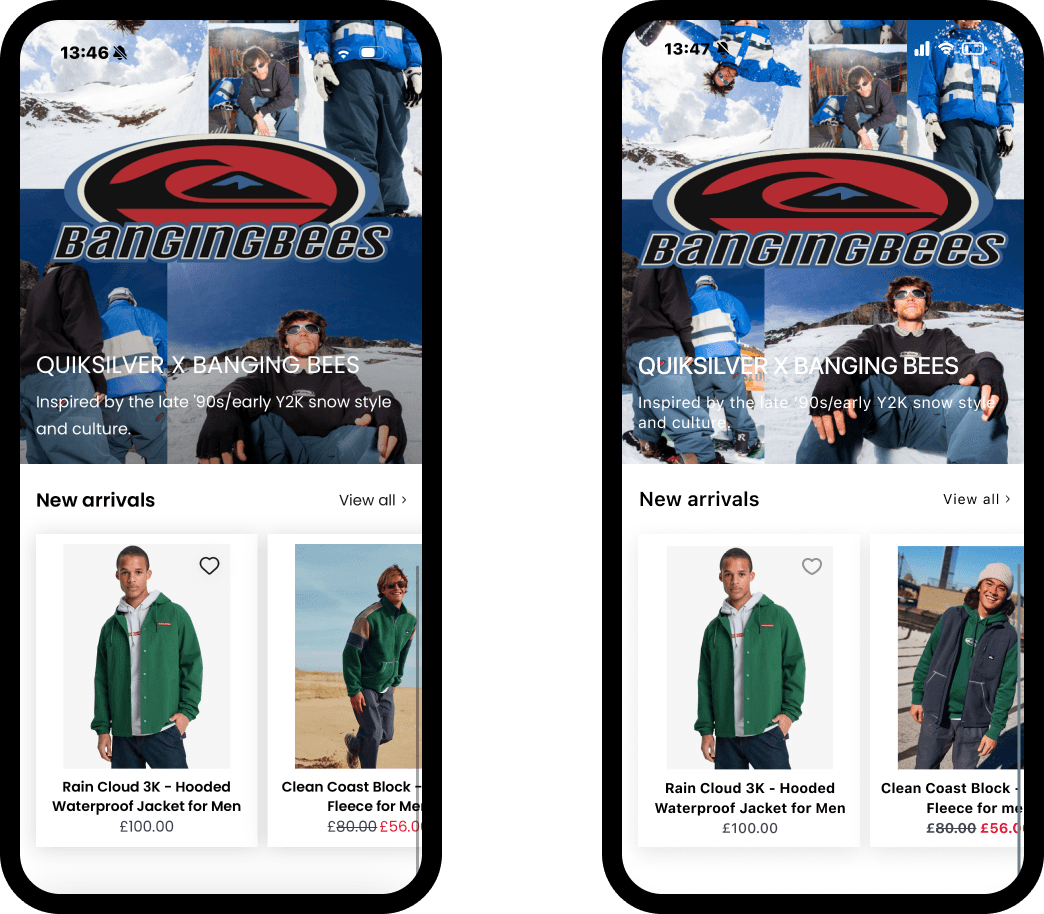
Next, I cloned five key screens from the original app.
This step was essential because it allowed me to work accurately from the existing layout, maintain consistency across screens, and understand how users move through the app. Cloning the screens created a solid foundation for the redesign.
Visual Competitive Analysis and Inspiration
I completed a visual competitive analysis to better understand how similar brands approach layout, hierarchy, and clarity.
I analyzed Decathlon, Arc’teryx, and H&M, and explored Strava, Nike, and Carhartt for inspiration. Carhartt had the strongest influence on my design direction, particularly its simple, clear, and straightforward UI, which inspired a more minimal and structured approach.
Brand Attributes and Mood board
To guide the redesign direction, I defined a set of brand attributes and created a moodboard based on how I believe Quiksilver should feel.
Key themes included freedom, nature, action and movement, optimism, and community. This helped translate the brand into a clear emotional and visual direction and made my design decisions more intentional.

Style Tile: Colors and Typography
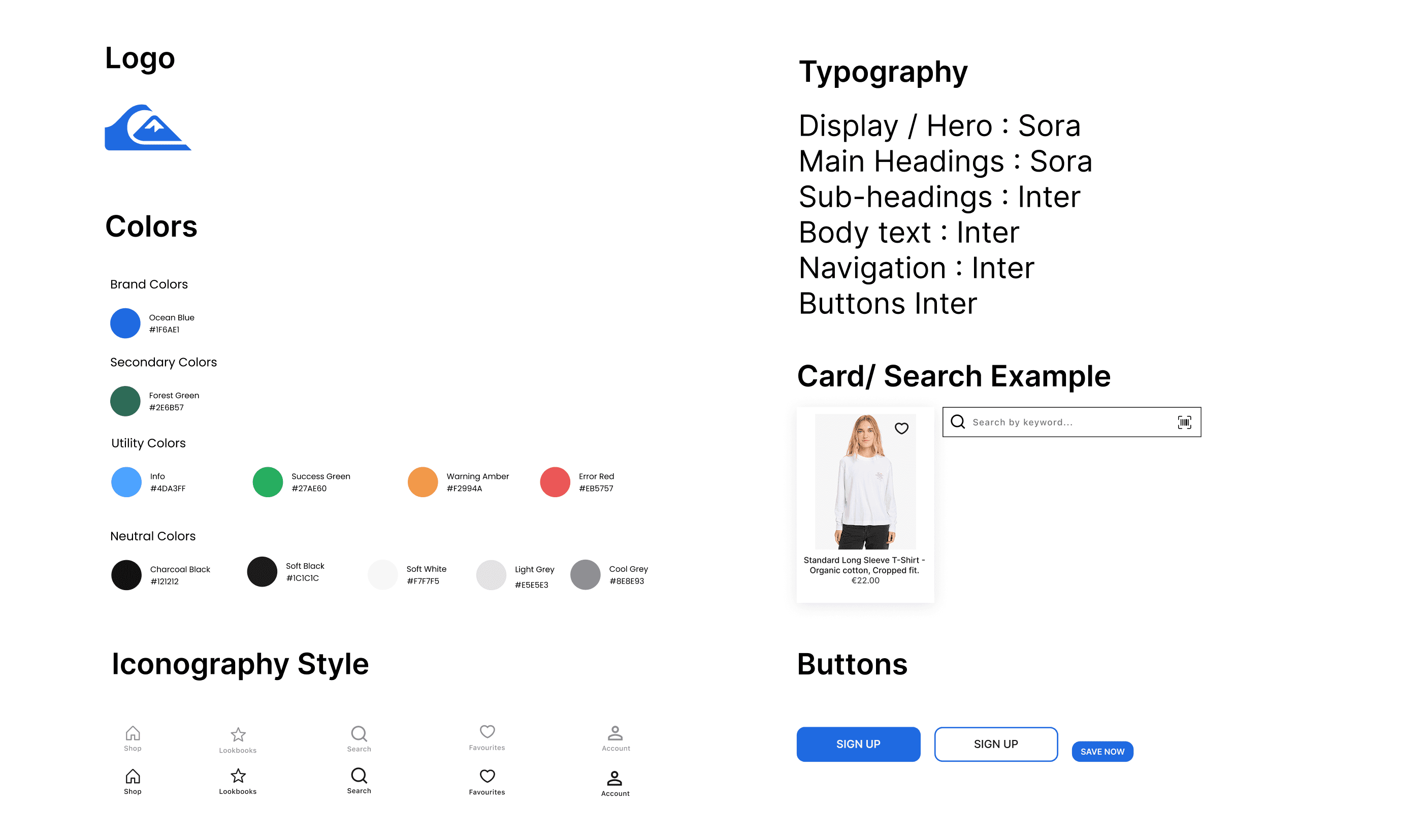
From the mood board and brand attributes, I created a style tile to define a consistent visual system.
The color palette is inspired by nature and movement, combining energetic blues and greens with neutral tones for balance. Utility colors are used only for functional feedback such as success, warnings, and errors.
For typography, Sora is used for display and main headings because it feels modern, confident, and energetic. Inter is used for sub-headings, body text, navigation, and buttons due to its high readability and neutral tone. Together, they create a strong hierarchy while supporting usability.
High-Fidelity Redesign and Iteration
Using the new style system, I redesigned the screens in high fidelity. My first version didn’t fully feel right, so I iterated and refined the design.
Key improvements included standardizing category naming to a single language, adding clearer navigation and back options, improving spacing and visual hierarchy, and reducing visual noise while keeping familiar interaction patterns. The final result feels cleaner, more cohesive, and more lifestyle-oriented, while still aligned with Quiksilver’s identity.
What I Learned
Because this was my first solo project, it helped me grow quickly in several key areas. I learned how to identify usability issues through heuristic evaluation, build consistency through grids, spacing, and systems, use brand attributes to guide visual decisions, and improve designs through iteration rather than settling on the first solution.
